How to set up the calorimeter system
First, prepare before starting
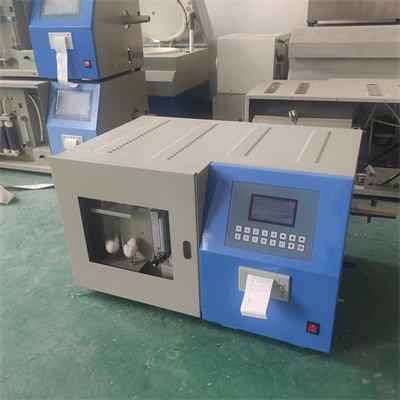
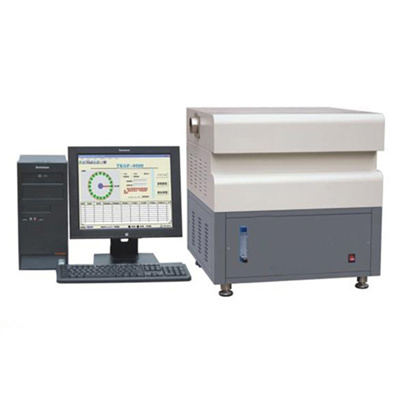
Before setting up the calorimeter system, be sure to be fully prepared. Check the appearance of the calorimeter to ensure that there is no damage and the components are firmly connected. Before turning on the power supply, confirm that the power supply voltage meets the equipment requirements to avoid damage to the instrument due to voltage instability. At the same time, prepare samples to be tested, reference materials and cleaning tools to lay the foundation for subsequent operations.
Boot-up and system initialization
Turn on the power of the calorimeter and wait for the instrument to complete the self-test. During the self-test process, pay attention to whether the instrument has abnormal prompts. If there is a fault code, refer to the manual to check. After the self-test is completed, enter the system initialization stage, and the instrument will automatically calibrate some basic parameters to ensure the accuracy of the measurement reference.
III. Parameter configuration
This is the core part of the calorimeter system setting. Enter the parameter setting interface and precisely configure key parameters such as temperature range and heating rate according to the characteristics of the sample to be tested. For example, for easy-to-decompose samples, it is necessary to appropriately reduce the heating rate to prevent the sample from reacting violently during the measurement process and affecting the results. At the same time, set the appropriate measurement accuracy and resolution to ensure the accuracy of the data.
IV. Sample placement and measurement
Put the processed sample into the sample cell evenly, paying attention to the amount of sample to comply with the instrument regulations, too much or too little will affect the measurement results. After placing the sample, close the lid of the sample cell to ensure a good seal and prevent heat loss. Then, start the measurement program, the instrument will automatically measure according to the set parameters, and display the measurement data in real time.
V. Data recording and analysis
After the measurement, record the measurement data in time, including key information such as starting temperature, ending temperature, and reaction heat. Use the data analytics function that comes with the instrument to process and analyze the data to generate a detailed report. If there is any abnormality in the data, re-check the parameter settings and sample placement, and re-measure if necessary.
Through the above steps, the setting and operation of the calorimeter system can be completed. Mastering these points allows you to use the calorimeter efficiently and accurately, providing reliable data support for experiments and production.
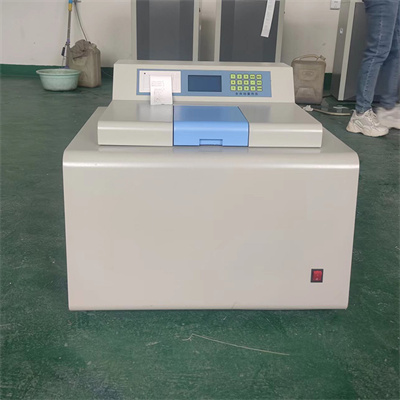 How to read calorimeter data
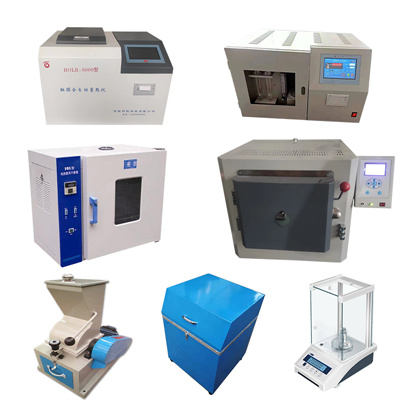 What is the design principle of a calorimeter?
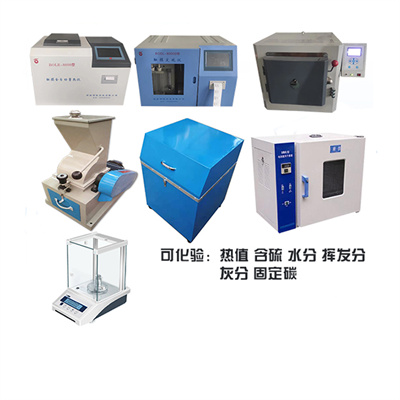 What is the harm of lack of water in the calorimeter?
 What is the input interface of the calorimeter?