How to turn down the microcomputer calorimeter?
The microcomputer calorimeter needs to be turned down and operated from key links such as parameter setting and system calibration. The following are the detailed disassembly steps for you:
parameter setting adjustment
Enter the control software of the microcomputer calorimeter and find the parameter setting interface. In this interface, focus on temperature control related parameters, such as target temperature, heating rate, etc. To reduce the working intensity of the calorimeter, you can appropriately reduce the target temperature setting value and slow down the heating rate. For example, the original target temperature is set at 100 ° C, which can be adjusted to 90 ° C; the heating rate is adjusted from 5 ° C/min to 3 ° C/min, which can effectively reduce the operating load of the instrument and achieve the effect of lowering.
System calibration optimization
Periodically calibrating the microcomputer calorimeter is an important prerequisite for ensuring that the instrument is accurate and flexible. During the calibration process, if the measurement value of the instrument is found to be too high, the measurement result can be corrected through the compensation setting in the calibration procedure. For example, in the heat capacity calibration process, if the calibration result shows that the heat capacity value is too large, you can enter an appropriate compensation factor in the software to reduce the calculated value of the heat capacity, thereby reducing the overall performance of the instrument.
Hardware function adjustment
Some microcomputer calorimeters have hardware adjustment functions, such as stirring speed adjustment. Reducing the stirring speed can not only reduce the energy consumption of the instrument, but also reduce the operating intensity of the calorimeter to a certain extent. In the instrument control panel or supporting software, find the stirring speed adjustment option, and adjust the original high stirring speed appropriately, such as from 800 rpm to 600 rpm, to meet the reduction demand.
Operating environment control
The operation of the microcomputer calorimeter is greatly affected by the environment, and controlling the operating environment can also assist in reducing the power. Keep the laboratory temperature stable to avoid frequent power adjustment of the instrument due to high or low temperature. At the same time, reduce environmental interference factors, such as avoiding strong magnetic fields and strong vibration environments, so that the instrument can operate at a lower power in a stable environment to achieve the purpose of lowering.
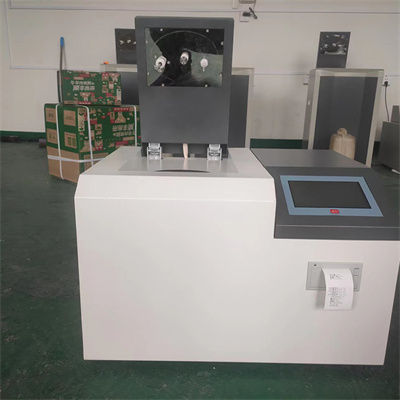
By mastering the above methods, you can accurately and efficiently adjust the microcomputer calorimeter to meet the needs of different experimental scenarios.
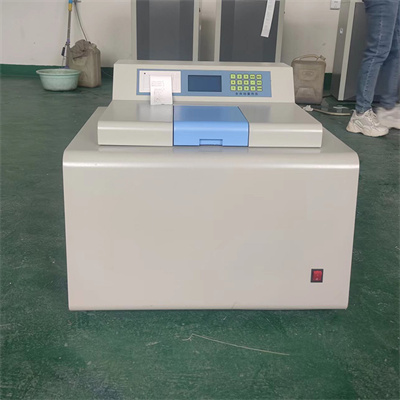 How to read calorimeter data
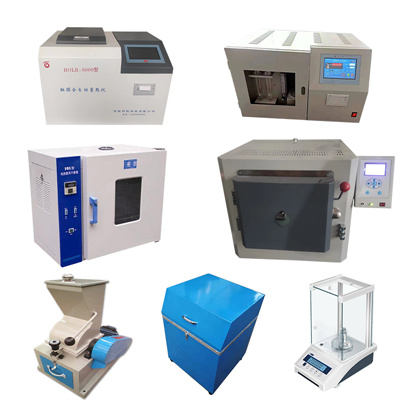 What is the design principle of a calorimeter?
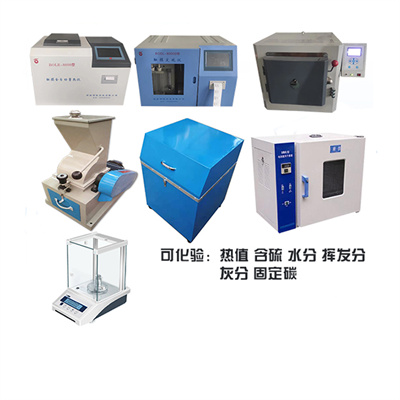 What is the harm of lack of water in the calorimeter?
 What is the input interface of the calorimeter?