How to delete calorimeter data
In the process of daily use of the calorimeter in the laboratory, it is sometimes necessary to delete the stored data to ensure that the storage space of the instrument is reasonable and the data management is standardized. The following is a detailed introduction to the specific steps for deleting the calorimeter data, which is simple and easy to understand at a glance.
The first step is to prepare for the operation
Before deleting data, be sure to confirm that the operator has the appropriate authority to avoid being unable to operate due to insufficient authority. At the same time, carefully check whether the calorimeter is in normal standby state to ensure that the instrument is connected stably and the power supply is normal to prevent accidental interruptions during operation.
Step 2: Enter the data management interface
Turn on the calorimeter, wait for the instrument to complete the self-test and enter the main operation interface. In the main interface, find the "Data Management" option through the buttons or touch screen equipped with the instrument. The name of this option may be slightly different for different brands and models of calorimeters, but it is usually set around keywords such as "data", "storage" and "records", and you can locate it by looking carefully.
Step 3: Precisely locate the data to be deleted
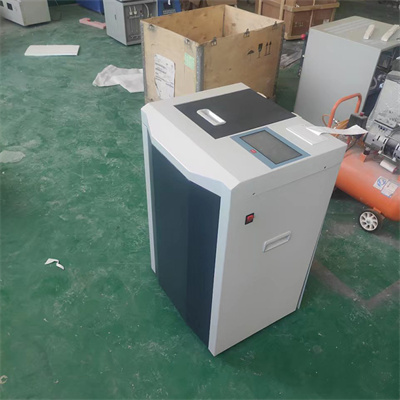
After entering the data management interface, a list of all the data stored by the instrument will be displayed on the screen, and the data will generally be sorted by test time, number, etc. By turning pages, scrolling up and down, etc., the data that needs to be deleted can be accurately located. Some calorimeters support data search function, enter the data number or test time, and can find the target data faster.
Step 4: Perform the deletion operation
After finding the data to be deleted, select the data. At this time, the "Delete" button will usually appear on the interface. Click the "Delete" button, and a confirmation prompt will pop up. After confirming again that it is correct, click Confirm to complete the deletion operation. Some calorimeters may require a password or secondary verification, just follow the prompts.
Step 5: Confirm the deletion result
After the deletion operation is completed, return to the data management interface, view the data list, and confirm that the target data has been successfully deleted. If it is found that the data has not been deleted or there is an abnormality, you can follow the above steps again. If the problem is still not solved, contact the technical support staff of the instrument manufacturer in time.
Deleting calorimeter data is an important part of the daily maintenance of laboratory instruments. Mastering the correct operation method can ensure the efficient operation of the instrument and provide accurate and reliable data support for experimental work.
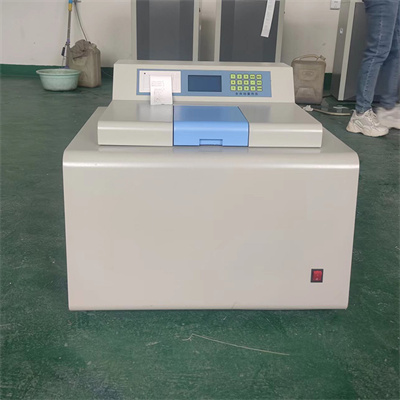 How to read calorimeter data
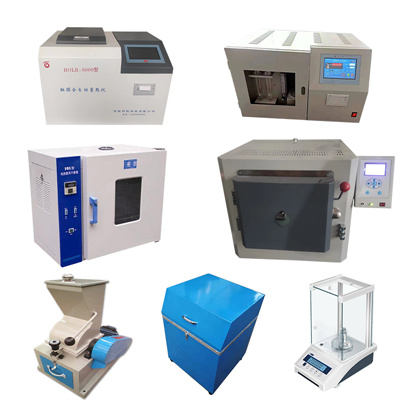 What is the design principle of a calorimeter?
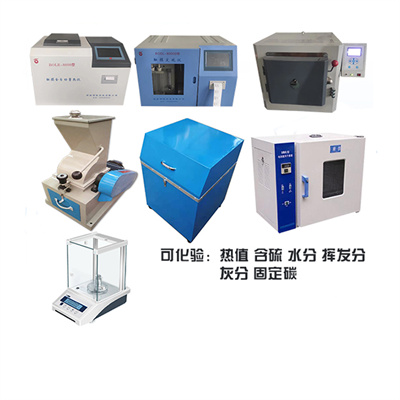 What is the harm of lack of water in the calorimeter?
 What is the input interface of the calorimeter?