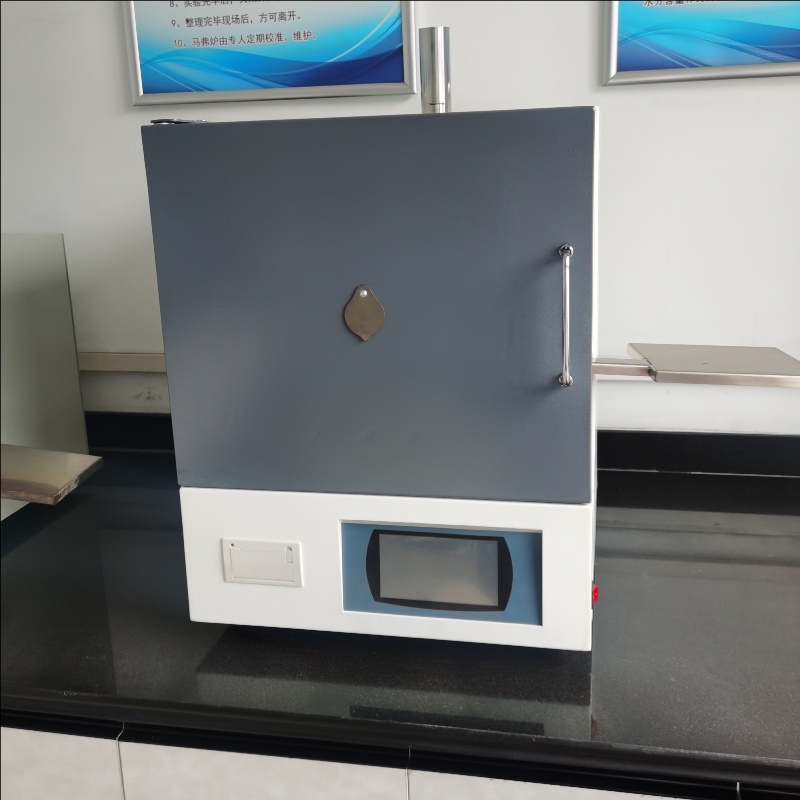
Setting Method of Self-selection Program of Intelligent Integrated Muffle Furnace
Setting Method of Self-selection Program of Intelligent Integrated muffle furnace
1. After booting and resetting, automatically enter the function selection interface, and then press【▲】Or [▼】key selection"Settings"function,Press again[Confirm]Enter the setting function interface.
2. press【▲】Or [▼】key selection"Optional settings"function,Press again[Confirm]Enter the optional setting interface.
3. press【◄】or【►】Key to move the number of digits of the set value cursor, press【▲】or【▼】Key to set the value of temperature and time. The control temperature is set to (1~ 999) ℃, the temperature control time is set to (1~ 999) min. After the setting of process 1 is completed, press[Confirm]Enter the settings for the next process of the optional program. And so on, the optional program settings are shared20 processes to choose from. After the optional program setting is completed, press[Reset]End key, return to the optional program interface.
4. After the optional program setting is completed, on the optional program interface, press[Confirm]Press the button to start the optional program for testing.
For example:Temperature control requirements600 ° C constant temperature for 30 minutes, and then rise to 700 ° C constant temperature for 25 minutes after not less than 40 minutes.
1) Enter the "Optional Settings" interface.
The first stage is the heating stage: the time is set to 000 and the temperature is set to 600.
The second stage is the constant temperature stage: the time is set to 030 and the temperature is set to 600.
The third stage is the heating stage: the time is set to 040 and the temperature is set to 700.
The fourth stage is the constant temperature stage: the time is set to 025 and the temperature is set to 700.
6) Press[OK]Key to save;
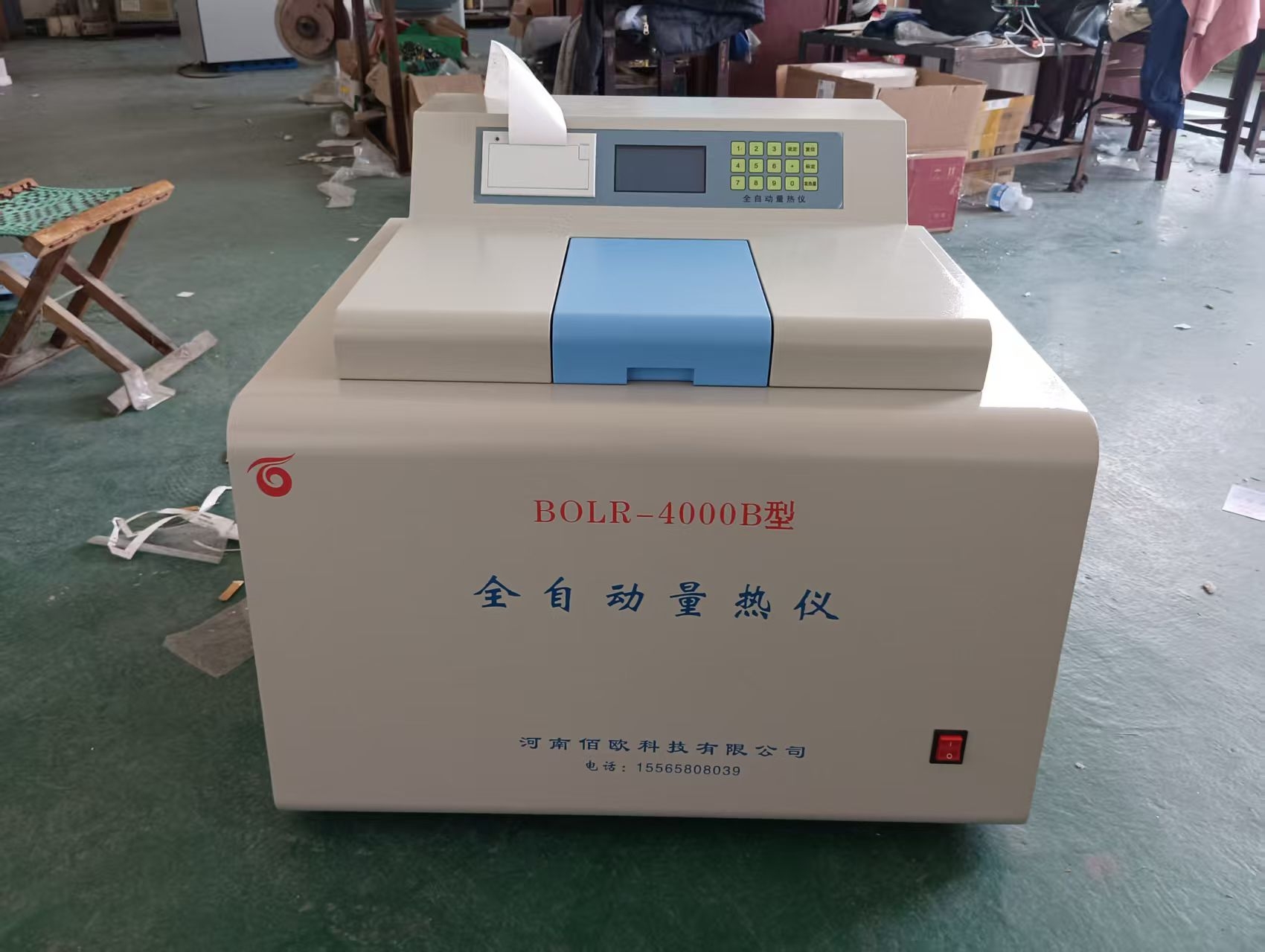 Coal testing instruments: key technologies for accurately de
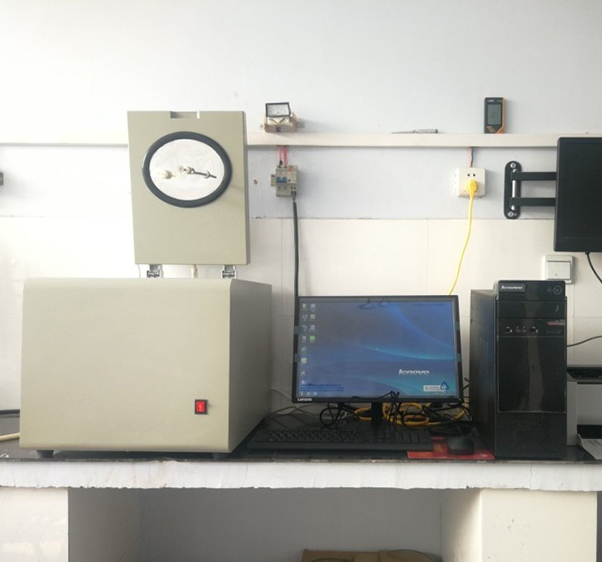 Preparation before installation of a fully automatic calorim
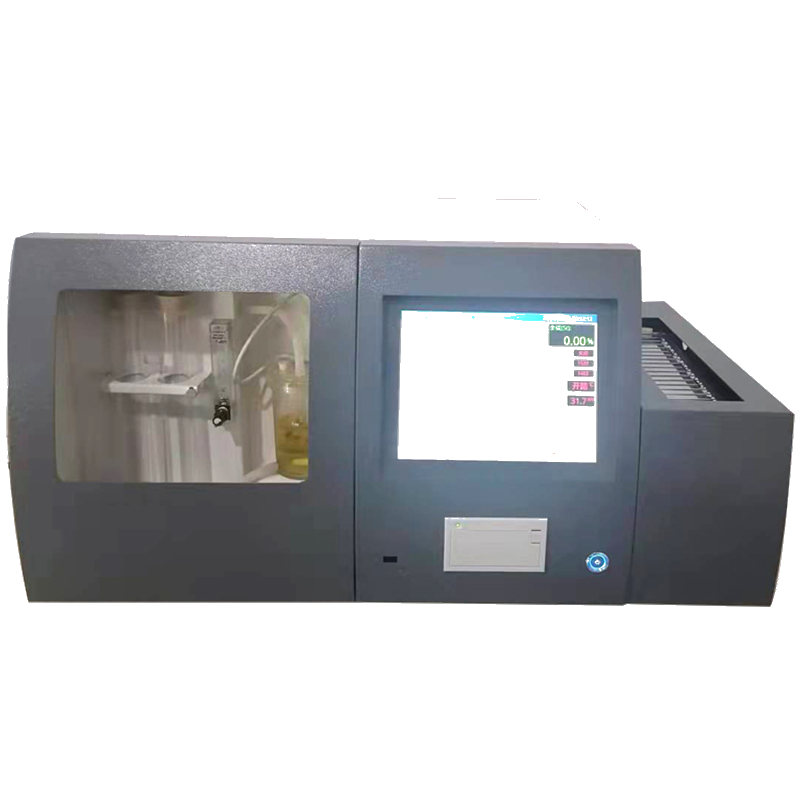 Technical parameters of multiple sulfur determiner
Setting Method of Self-selection Program of Intelligent Inte
Technical parameters of multiple sulfur determiner
Setting Method of Self-selection Program of Intelligent Inte