How to delete the calorimeter measurement data?
In the process of using a calorimeter, it is sometimes necessary to delete the measurement data to meet the needs of experimental record sorting and equipment storage space release. The following is a detailed introduction to the deletion method of calorimeter measurement data.
Clear data deletion requirements
Before you delete the data, you must first clarify the purpose of deleting the data. Is it a misoperation that produced the wrong data, or the redundant data needs to be cleaned after the experiment has been completed, or the device storage space is insufficient and needs to be vacated. Different requirements may correspond to different deletion methods, and only by clarifying the requirements can you operate accurately.
View the equipment operation manual
Different brands and models of calorimeters have different operation interfaces and data deletion methods. Therefore, before deleting data, be sure to carefully read the operation manual of the device. The operation manual will detail the specific steps of data deletion, precautions, and possible function button positions, which is the key to ensure correct operation.
General data deletion steps
Generally speaking, there are the following common steps for a calorimeter to delete measurement data. First, turn on the power of the calorimeter, wait for the device to complete the self-test and enter the main operation interface. Then, look for the relevant options of "Data Management" or "Historical Data" in the main interface, and click to enter the data management page. In this page, all measurement data records will be displayed, and each record usually contains key information such as experiment time and sample number. Then, through the arrow keys or touch screen of the device, select the data records that need to be deleted. Finally, press the "Delete" button, and the device will prompt to confirm whether to delete. After confirmation, the selected data will be successfully deleted.
Special situation handling
If you encounter a situation where the data cannot be deleted directly, such as the data is locked, it may be because the data is being called by another program, or the data protection function is set. At this time, you need to release the data lock first. You can find the data protection related options through the settings menu of the device, turn off the protection function, and then try to delete it. In addition, if the device fails and the data cannot be deleted, it is recommended to contact the technical support staff of the equipment manufacturer in time to obtain a professional solution.
Checking after data deletion
After the data deletion operation is completed, it is recommended to check the device. Check the data management page to confirm whether the target data has been successfully deleted, and also check whether the device storage space has been released. In addition, a simple measurement operation can be performed to verify whether the device is operating normally after the data deletion, ensuring that subsequent experiments are not affected.
Mastering the deletion method of calorimeter measurement data can not only keep the equipment running efficiently, but also make the experimental data management more standardized. Follow the above steps to easily complete the data deletion work.
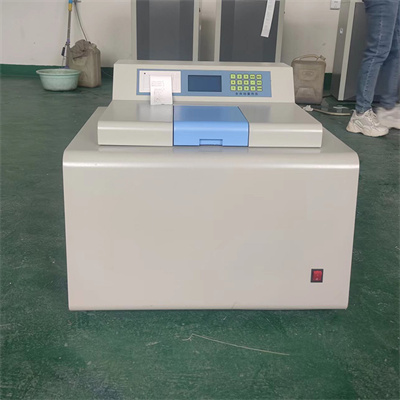 How to read calorimeter data
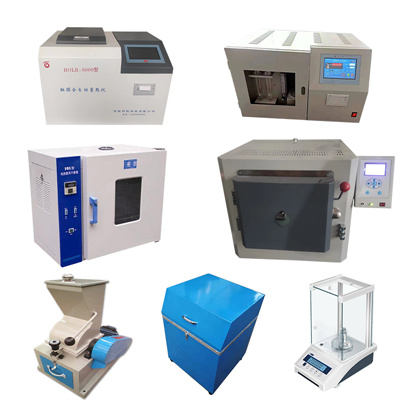 What is the design principle of a calorimeter?
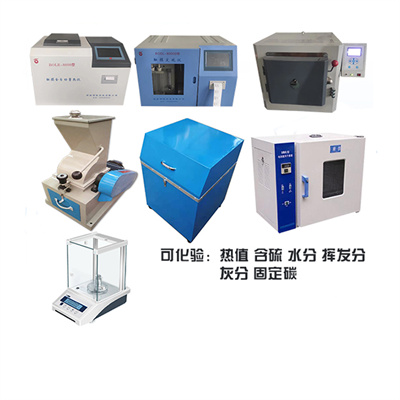 What is the harm of lack of water in the calorimeter?
 What is the input interface of the calorimeter?