How to use a scanning calorimeter
Scanning calorimeter use strategy: easy to master the key points of operation
Scanning calorimeter plays a significant role in the field of material thermal performance analysis, accurately measuring key parameters such as phase transition temperature and enthalpy change of substances. Here is a detailed introduction to its use to help you get started quickly.
First, prepare before starting
Before use, check the appearance of the instrument to ensure that there is no damage. Connect the power supply, turn on the instrument, and preheat for at least 30 minutes to allow the instrument to reach a stable working state. At the same time, prepare high-purity nitrogen as a protective gas, and adjust the gas flow to a suitable range, generally controlled at 20-50mL/min to prevent sample oxidation.
Sample preparation and placement
The sample needs to be ground into a uniform fine powder, the dosage is controlled at 5-10mg, accurately weighed and recorded. Spread the sample evenly on the bottom of the special crucible and gently compact it to avoid the accumulation of the sample affecting the heat transfer. Then, put the crucible containing the sample smoothly into the sample pool of the instrument to ensure that it is placed firmly.
III. Parameter settings
Open the operating software and set the heating rate according to the sample characteristics and test requirements. The common range is 5-20 ° C/min. Set the temperature range to cover the temperature range where the sample may undergo phase change. Also set the protective gas flow rate, sampling frequency and other parameters to ensure the accuracy and reliability of the test data.
IV. Start testing
After the parameter settings are completed, carefully check that they are correct and click the "Start Test" button. The instrument will heat up according to the set program and monitor the heat change of the sample in real time. During the test process, closely observe the running status of the instrument. If there is an abnormal alarm, immediately suspend the test to troubleshoot.
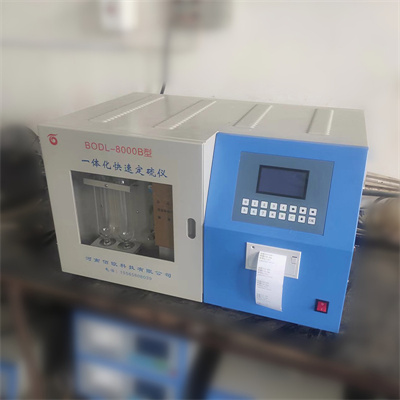
V. Data processing and analysis
After the test, the software will automatically generate the heat flow curve. Through the analysis tools that come with the software, the curve is corrected by baseline, peak area calculation and other operations to obtain key data such as phase change temperature and enthalpy change. Combined with professional knowledge, in-depth analysis of the data provides strong support for material research and development and quality control.
By mastering the above steps, you will be able to skillfully use a scanning calorimeter to efficiently test the thermal properties of materials.
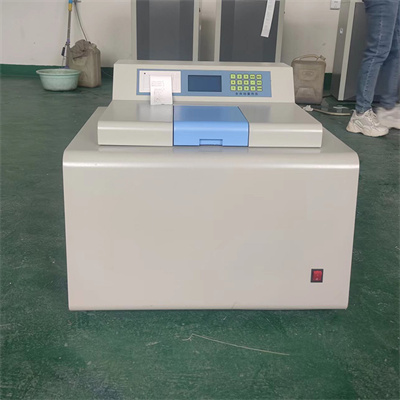 How to read calorimeter data
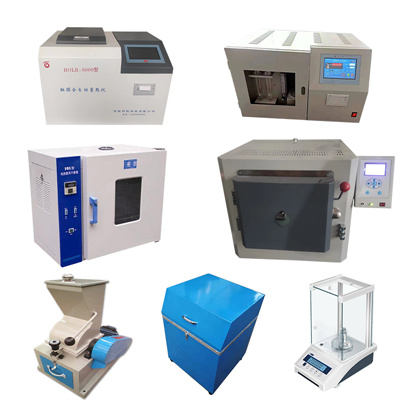 What is the design principle of a calorimeter?
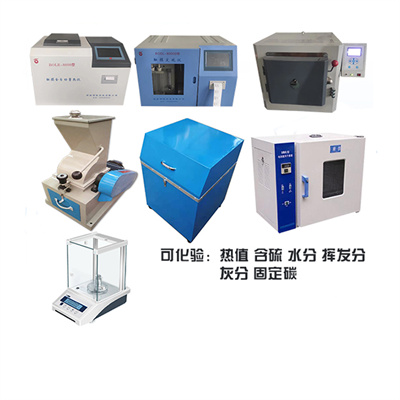 What is the harm of lack of water in the calorimeter?
 What is the input interface of the calorimeter?