How to delete calorimeter data
In the process of using a calorimeter to carry out experimental work, sometimes due to data duplication, recording errors or storage space management requirements, it is necessary to delete the data in the instrument. Mastering the scientific and standardized deletion method can not only ensure the normal operation of the instrument, but also ensure the rigor of experimental data management. Below, we will introduce the specific steps of deleting calorimeter data in detail.
The first step: do a good job of preliminary preparations
Before operation, be sure to confirm that the deleted data has no backup requirements to avoid deleting important information by mistake. At the same time, check whether the power of the calorimeter is sufficient to prevent the instrument from suddenly shutting down due to insufficient power during operation, causing data loss or system failure. In addition, be familiar with the operation interface of the instrument and clarify the location of the data storage section to lay a good foundation for subsequent operations.
Step 2: Enter the data management interface
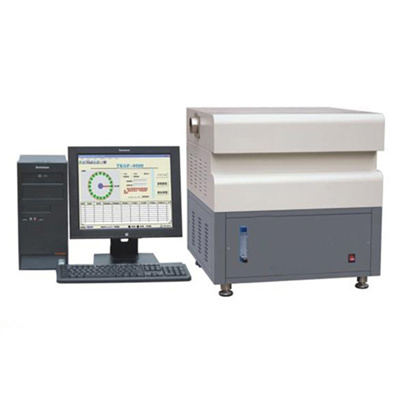
Turn on the calorimeter. After the instrument completes the self-test and enters the main operation interface, find the relevant options of "Data Management" or "Historical Data" through the navigation button on the instrument panel, and click to enter the data management interface. The interface layout and option names of different models of calorimeters may be different. If you are not sure about the specific location, you can consult the instruction manual of the instrument to accurately locate the operation entrance.
Step 3: Precisely locate the data to be deleted
After entering the data management interface, the system will present a list of stored experimental data, including key information such as data number, experimental time, and experimental type. Through functions such as page turning and filtering, carefully find the target data that needs to be deleted, check the data details, and ensure that it is correct before proceeding to the next step to prevent accidental deletion of valid data.
Step 4: Perform the deletion operation and confirm
After selecting the target data, press the "Delete" button on the instrument panel. A confirmation prompt box may pop up on some instruments, asking whether to confirm the deletion of the data. At this time, you need to check the data information again. After confirming that it is correct, click the "Confirm" option to complete the deletion operation. After the operation is completed, return to the data management interface, view the data list, and confirm that the target data has been successfully deleted.
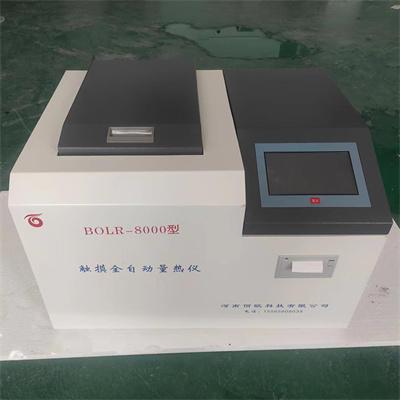
Step 5: Post-operation inspection and maintenance
After the deletion operation is completed, it is recommended to conduct a simple inspection of the instrument to confirm that all functions of the instrument are operating normally. At the same time, regularly cleaning the redundant data in the instrument can not only free up storage space, but also improve the operating efficiency of the instrument. If you encounter unsolvable problems during operation, contact the technical support staff of the instrument manufacturer in time for professional help.
Mastering the correct method of calorimeter data deletion is an important part of ensuring the efficient development of experimental work. Strictly following the above steps can easily complete data deletion, keep the instrument in good running condition, and provide strong support for the smooth progress of experimental work.
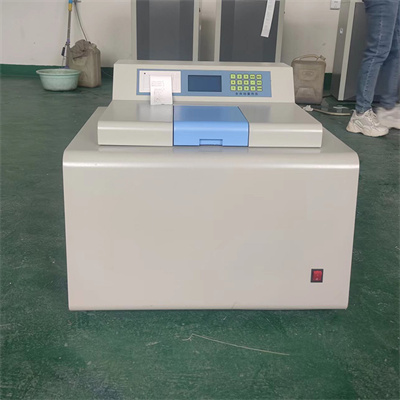 How to read calorimeter data
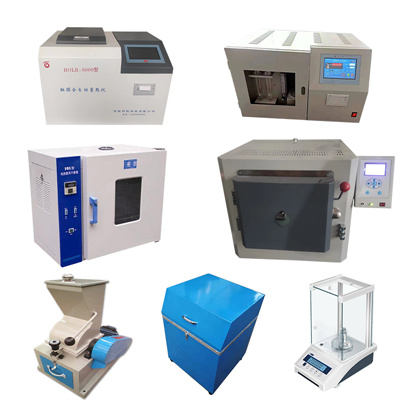 What is the design principle of a calorimeter?
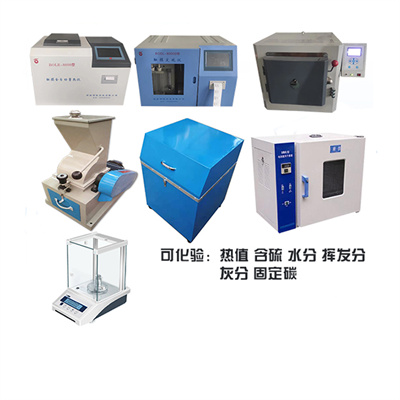 What is the harm of lack of water in the calorimeter?
 What is the input interface of the calorimeter?