How to delete the calorimeter record
In the process of using the calorimeter, with the continuous accumulation of test data, sometimes we need to delete some past records to optimize the instrument storage space or standardize data management. The following is a detailed introduction to the specific operation method of deleting records from the calorimeter.
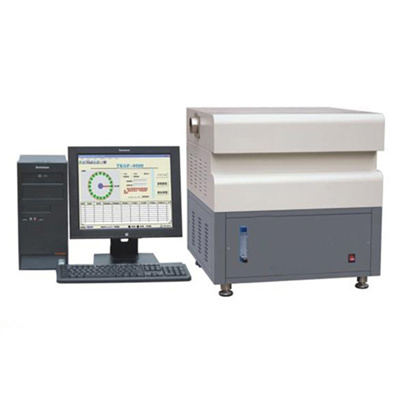
Enter the instrument operation interface
First, turn on the power of the calorimeter and wait for the instrument to complete the self-test and enter the normal working state. In the main interface of the instrument, there are usually special menu options, which are usually operated through the touch screen or physical buttons. Find function entrances such as "Data Management" and "Record Query" and click to enter. This step is the basis for subsequent deletion of records. Only by accurately entering the corresponding interface can the records to be deleted be found.
localization target record
After entering the data management interface, the instrument will display all the test records, which may be arranged by time, test number, etc. We can quickly locate the target record that needs to be deleted by turning pages, entering numbers, or filtering dates. For example, if you want to delete a record on a certain day, use the date filter function to accurately locate and avoid accidentally deleting other important data.
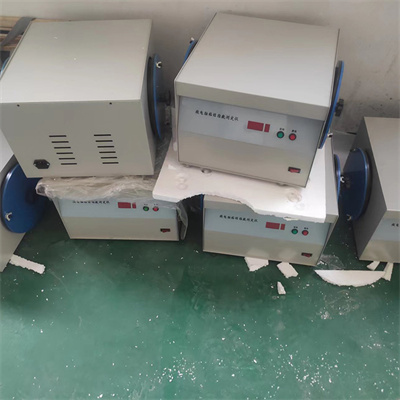
Perform a delete operation
When the target record is found, select the record. At this time, the "Delete" button will appear on the interface. Some instruments may need to long press the record entry to trigger the deletion option. After clicking the "Delete" button, the instrument may pop up a confirmation prompt box asking if you are sure you want to delete the record. This is to prevent misoperation. After carefully confirming that it is correct, click the "Confirm" button, and the instrument will start to perform the deletion operation.
Confirm deletion result
After the deletion is complete, return to the record list page to check again whether the record you just deleted still exists. If the record has disappeared, the deletion operation is successful; if the record still exists, it may be an error, and you need to follow the above steps to check and operate again.
It should be noted that the operation interface and specific steps of different brands and models of calorimeters may be slightly different. Before operation, be sure to read the operation manual of the instrument carefully and strictly follow the instructions in the manual. At the same time, before deleting records, it is recommended to back up important data to prevent data loss. Mastering the correct method of deleting calorimeter records can help us better manage the instrument data and ensure the efficient operation of the calorimeter.
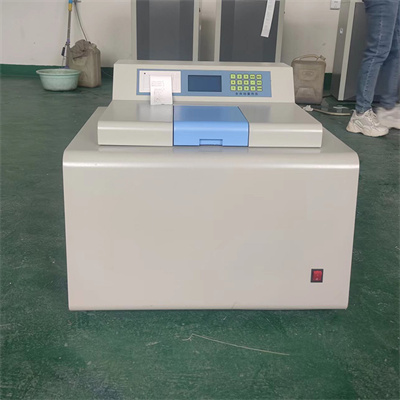 How to read calorimeter data
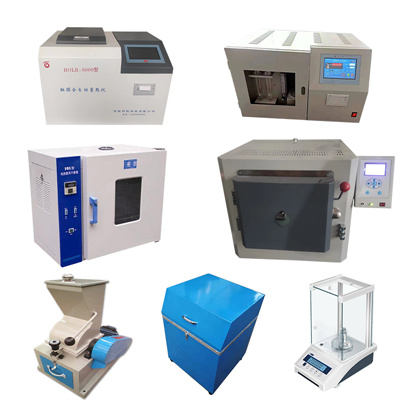 What is the design principle of a calorimeter?
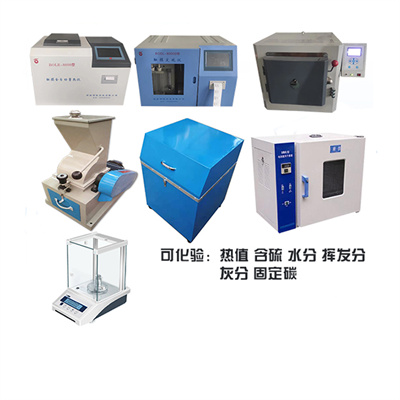 What is the harm of lack of water in the calorimeter?
 What is the input interface of the calorimeter?