How to delete the test record of the calorimeter
In the process of using a calorimeter to carry out laboratory work, as the detection tasks accumulate, a large number of laboratory records will be stored in the equipment. When some records no longer need to be retained or storage space needs to be freed up, it is particularly important to master the deletion method of calorimeter laboratory records. The following will introduce the standardized and convenient deletion operation process in detail to help you quickly complete data cleaning.
Step 1: Enter Facility Management
First, turn on the calorimeter and ensure that the device is in normal operation. After the system is initialized, enter the main operation interface of the device. In the main interface, carefully look for function modules such as "Data Management", "History" or "System Settings". There may be subtle differences in the name of the function entrance of different models of calorimeters, but the core points are all related to record management. Click to enter the management interface.
Step 2: Screen the laboratory records to be deleted
After entering the records management interface, the system will clearly list all stored laboratory records by time, detection items and other dimensions. At this time, through the screening function provided by the interface, the target records that need to be deleted can be accurately located according to key information such as date range and sample number. For multiple records to be deleted, they can be checked in batches to improve operation efficiency and avoid the tediousness of searching one by one.
Step 3: Perform the deletion operation and confirm
After selecting the target record, click the "Delete" button in the interface, and a secondary confirmation prompt will pop up on some devices, which is to prevent accidental deletion of important data. In the confirmation pop-up window, carefully check the information of the deleted record, and click "OK" after confirming that it is correct to complete the deletion operation. If the device does not have a secondary confirmation link, after the deletion instruction is issued, the system will directly perform cleaning. Special attention should be paid to the accuracy of record screening before operation.
Step 4: Verify the deletion results
After the deletion operation is completed, return to the record management interface, refresh the list to view, and confirm that the target record has disappeared from the list. If you find that there are still residual records, you can repeat the above operation and try again. In addition, it is recommended to regularly comb the stored data of the calorimeter and clean up the useless records in time, which can not only ensure the smooth operation of the equipment, but also avoid the operation card problem caused by data redundancy.
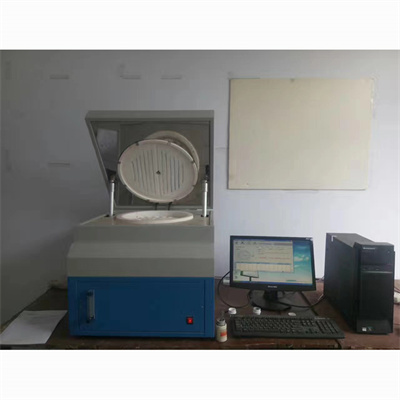
It is important to note that some calorimeter test records have irreversible deletion characteristics, and once deleted, they cannot be restored. Therefore, before performing the deletion operation, be sure to carefully check the record content to confirm that it does not need to be retained before operation. At the same time, if the device is connected to the data backup system, it is recommended to make a data backup before deletion to prevent important data loss due to operation errors.
Mastering the above steps can easily complete the deletion of the calorimeter test records. Standardized operation can not only ensure the efficient operation of the equipment, but also make data management more orderly and lay a solid foundation for subsequent test work.
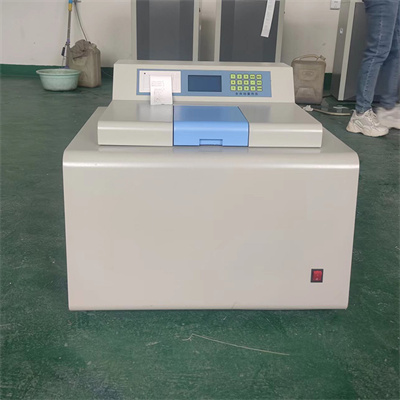 How to read calorimeter data
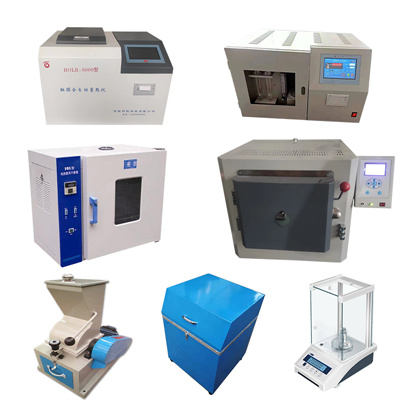 What is the design principle of a calorimeter?
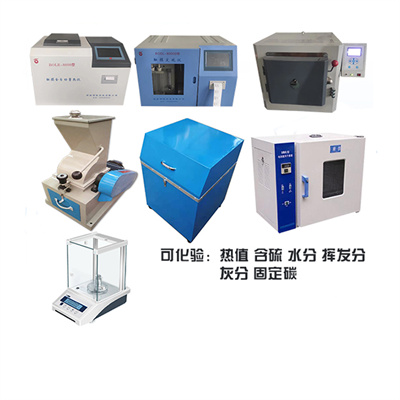 What is the harm of lack of water in the calorimeter?
 What is the input interface of the calorimeter?