How to check calorimeter records
In all kinds of experiments and production scenarios involving heat detection, calorimeters play a key role, and querying their records is an important part of subsequent analysis and traceability. Here are the practical methods for querying calorimeter records in detail.
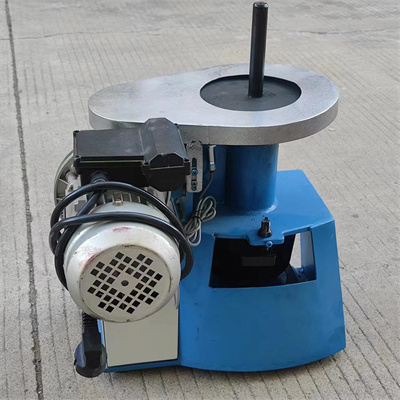
Clear query entry
There are differences in the operation interface of different brands and models of calorimeters, but the inquiry entrance is usually concentrated in the main menu or data management section of the device. After turning on the calorimeter, carefully look for the options with the words "data", "record" and "history" on the main interface, and click to enter the record inquiry page. If you can't find it for a while, you can check the device manual and follow the instructions to locate it accurately.
Master query screening skills
After entering the query page, in order to efficiently locate the target records, it is necessary to make good use of the screening function. Most calorimeters support time filtering, which can enter specific dates and time periods to quickly narrow the query range. Some devices can also filter by information such as sample numbers and inspectors. If the record volume is large, enter the corresponding key information, which can greatly save the query time and accurately lock the required records.
Familiar with record export and viewing methods
After querying the target records, if you need to retain the analysis, you must master the export method. Common export methods include connecting a U disk to export, printing through the printing function that comes with the device, or transferring it to the computer with the help of supporting software. When viewing the records, pay attention to the integrity of the data to confirm that the key information such as heat value, detection time, and sample parameters are clearly identifiable. If any data abnormalities are found, check the operating status of the equipment and the detection process in time.
Pay attention to the special functions of the equipment
Some high-end calorimeters have intelligent search function, and enter keywords to quickly match relevant records. At the same time, some devices support cloud synchronization, which can remotely query records on the supporting mobile end or computer end. During operation, ensure that the device is networked stably and ensure smooth query.
By mastering the above methods, you can easily query the calorimeter records, provide accurate data support for experimental analysis and production control, and improve work efficiency and data management standardization.
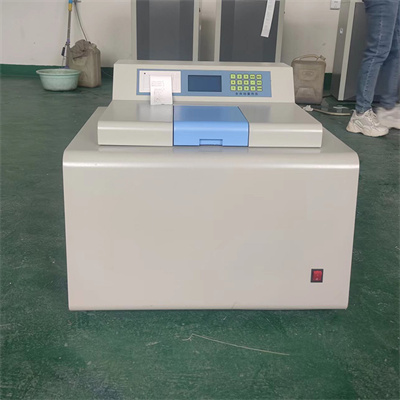 How to read calorimeter data
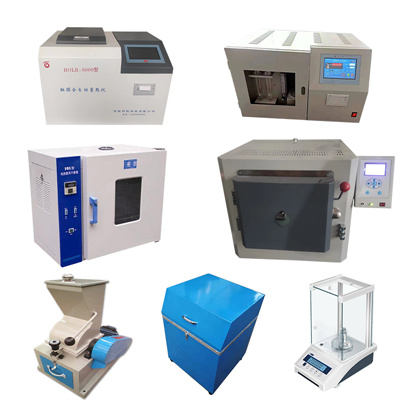 What is the design principle of a calorimeter?
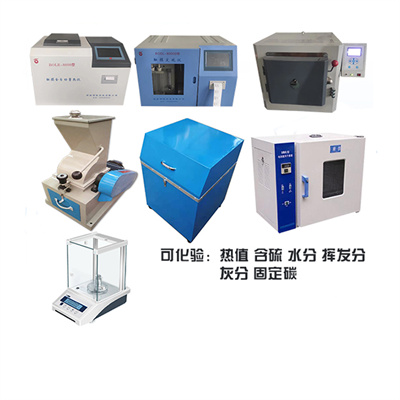 What is the harm of lack of water in the calorimeter?
 What is the input interface of the calorimeter?