How to export data from a calorimeter
The calorimeter plays a key role in many scientific research and production scenarios, and accurately deriving data is an important prerequisite for subsequent analysis and application. The following is a detailed introduction to the specific method of deriving data from the calorimeter.
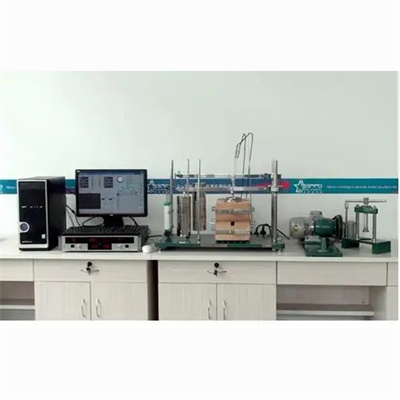
The first step is to make early preparations
Before exporting the data, be sure to ensure that the calorimeter is connected stably to the supporting computer equipment. Check whether the data cable is plugged in properly. If a wireless connection is used, confirm that the network is unobstructed to avoid data export failure due to connection problems. At the same time, ensure that the calorimeter is in normal operation, relevant tests have been completed, and the data has been fully stored.
Step 2: Enter the data export interface
Open the operating software supporting the calorimeter, and carefully look for the "Data Management" or "Export" function module in the main interface of the software. There are differences in the interface layout of different brands and models of calorimeters, but generally a special data operation entrance will be set, just be patient.
Step 3: Select Export Data
After entering the data export interface, the software will display the stored test data. According to actual needs, check the data items that need to be exported, you can single-select specific data, or you can check multiple sets of data in batches to accurately locate the required content.
Step 4: Set export parameters
After determining the export data, set the export format, storage path and other parameters. Common export formats include Excel, CSV, etc., which are convenient for subsequent analysis with professional software; the storage path is to choose a disk location that is easy to find. It is recommended to create a new special folder for easy management.
Step 5: Execute the export operation
After completing the parameter setting, click the "Export" button, and the software will automatically export the data to the specified location. During the export process, pay close attention to the progress prompts. If an error occurs, check the connection, parameters and other problems according to the prompts, and solve it in time.
Master the above steps, you can easily complete the data export of the calorimeter. If you encounter difficulties in operation, you can consult the instrument manual, or contact the manufacturer's technical support for help.
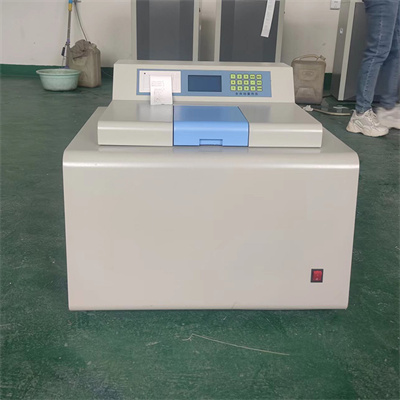 How to read calorimeter data
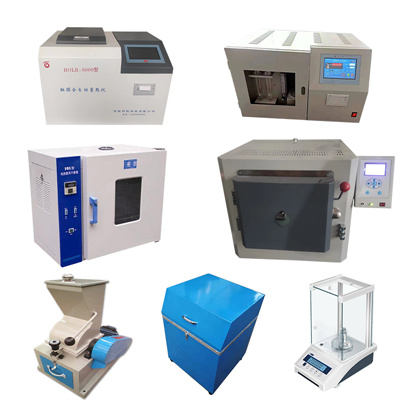 What is the design principle of a calorimeter?
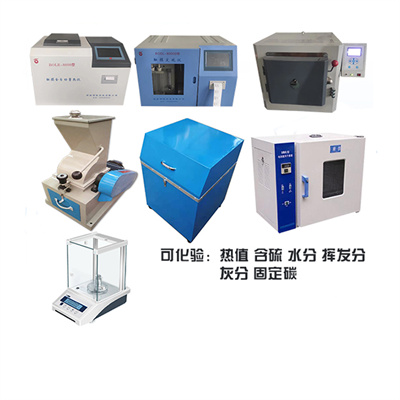 What is the harm of lack of water in the calorimeter?
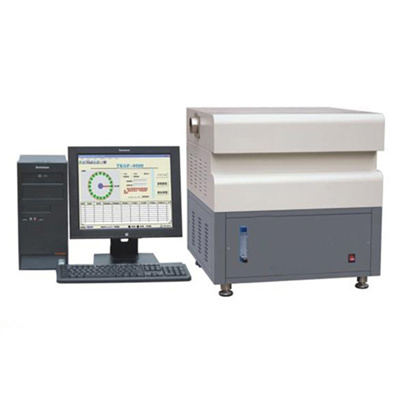 What is the input interface of the calorimeter?